 Clash Verge
Mihomo (Clash Meta) Core
Bundled core with stable and Alpha channels
Mihomo-powered Clash GUI for desktop
Clash Verge is a cross-platform Clash GUI built with Tauri and powered by Mihomo (Clash Meta). Manage profiles, proxy groups, routing rules, system proxy and TUN from one desktop application.
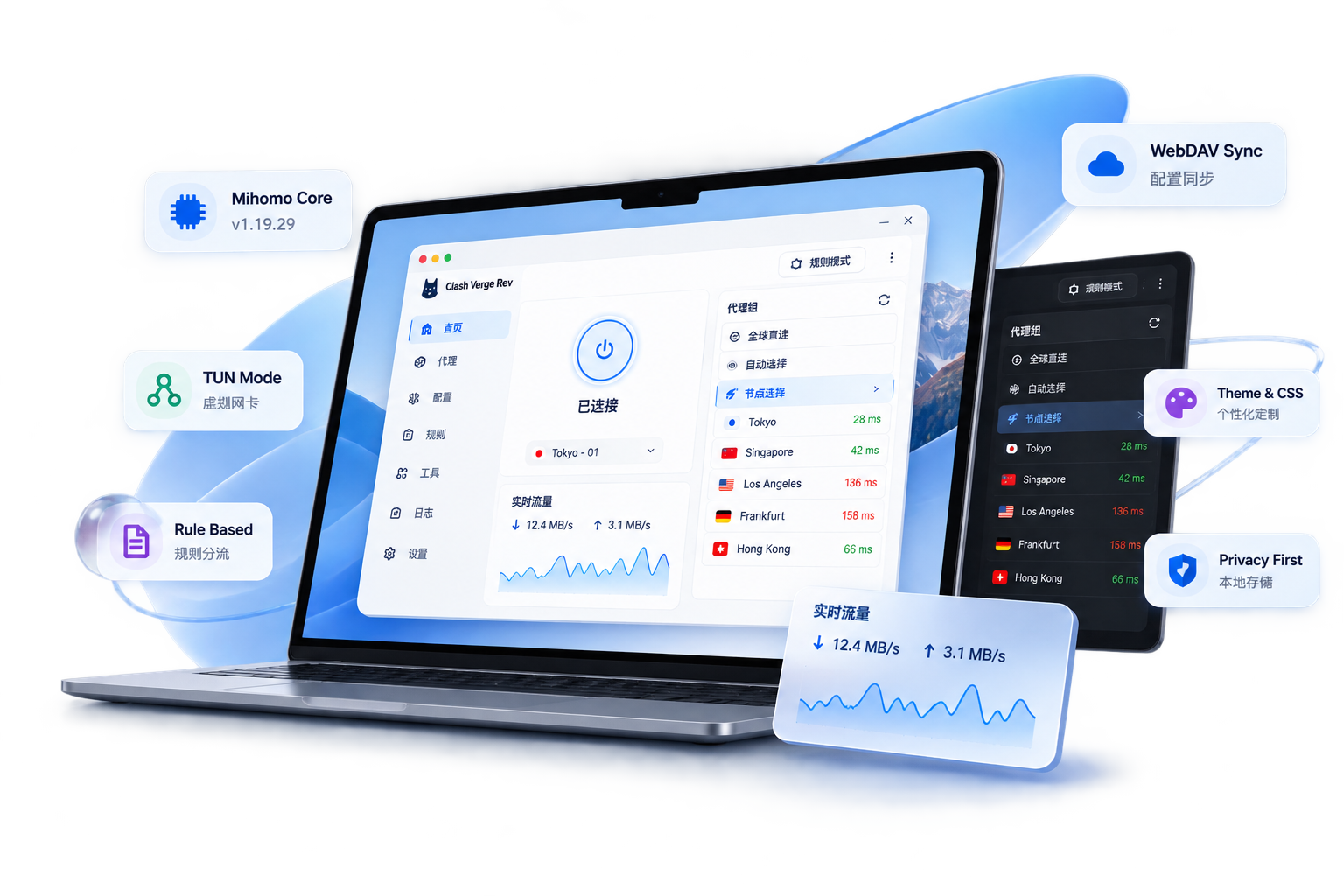
Bundled core with stable and Alpha channels
Route app traffic through system proxy or a virtual adapter
Import remote subscriptions and local Clash profiles
Edit nodes, proxy groups and routing rules visually
Back up and restore Clash Verge configuration
Theme colors, tray icons and CSS injection
Extend generated configs with YAML and JavaScript
One desktop client across the three supported platforms
A desktop Clash client that brings Mihomo controls, profile management, rule routing and operating-system proxy features into one interface.

Clash Verge continues to evolve through public issues, pull requests and release updates.
Use the same Clash client for routine proxy routing, app-wide TUN traffic, rule-based workflows, backups and advanced configuration.





These features connect the Clash desktop interface to Mihomo routing, profile management and operating-system proxy controls.
Clash Verge bundles Mihomo (formerly Clash.Meta) as its proxy core. Mihomo handles protocol support, DNS, routing rules, proxy groups and traffic forwarding while Clash Verge provides the desktop interface.
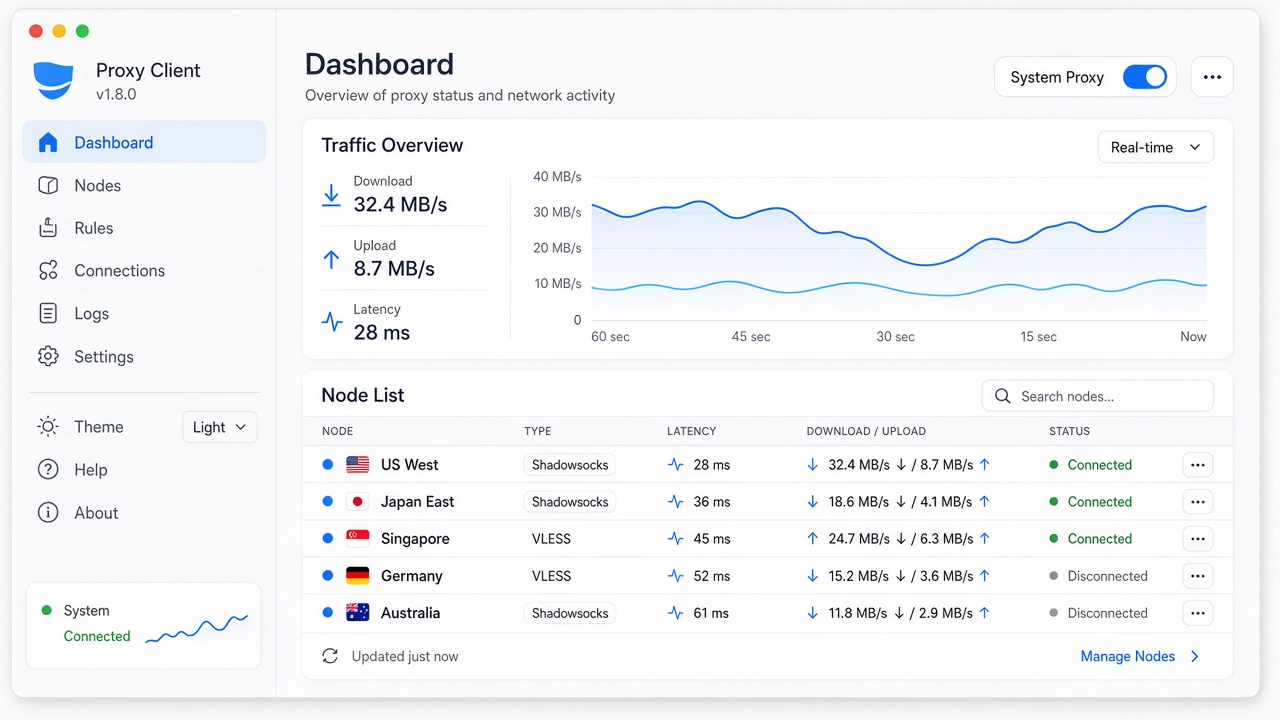
System proxy changes the operating system proxy settings for applications that honor them. TUN creates a virtual network adapter and can route traffic from applications that do not use system proxy settings.
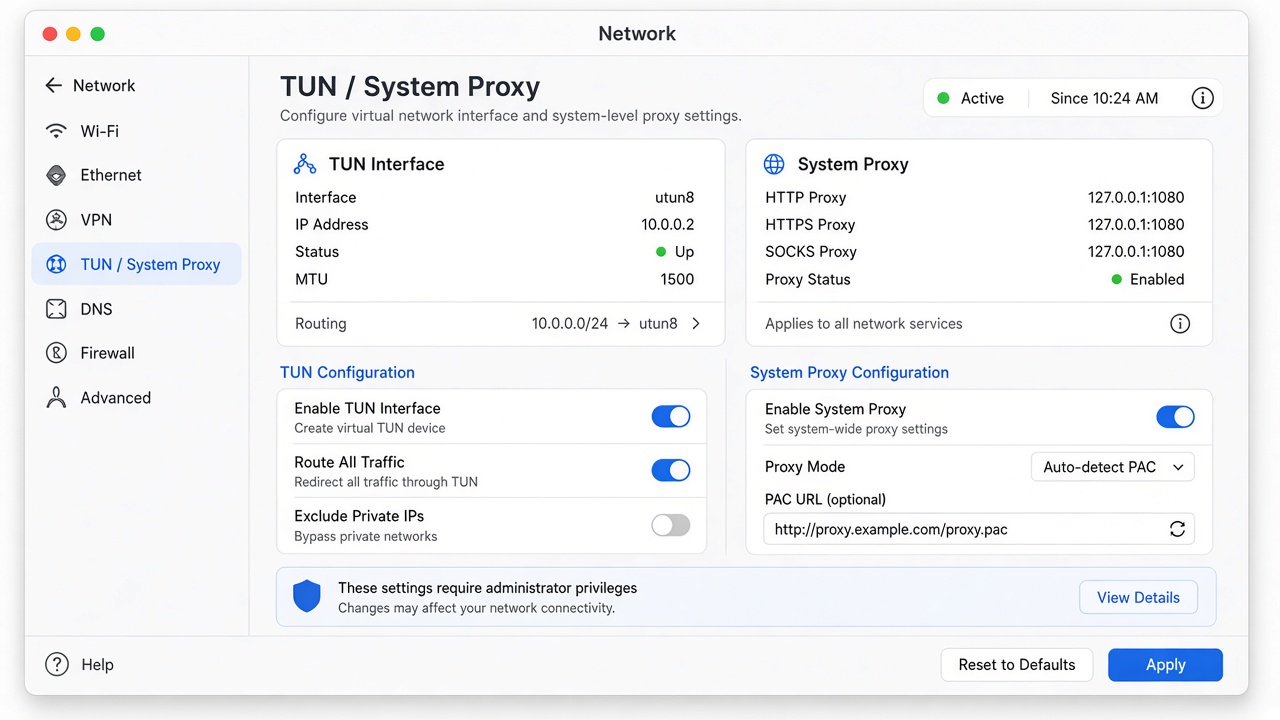
Import remote subscriptions or local profiles, switch between configurations, edit nodes and routing rules, and use extension config or extension scripts when the generated Clash configuration needs additional customization.
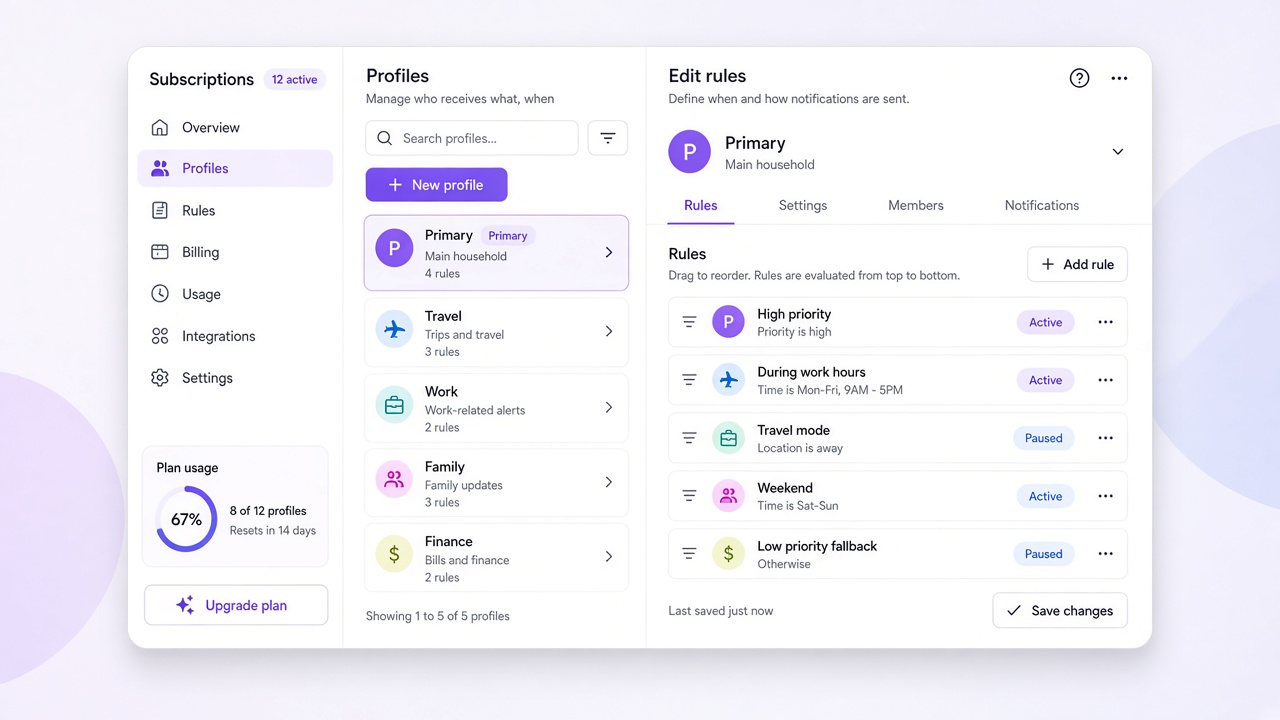
Clash Verge supports theme colors, tray and proxy-group icons, CSS injection, extension scripts and WebDAV backup so the desktop client can fit different workflows without changing the Mihomo core.
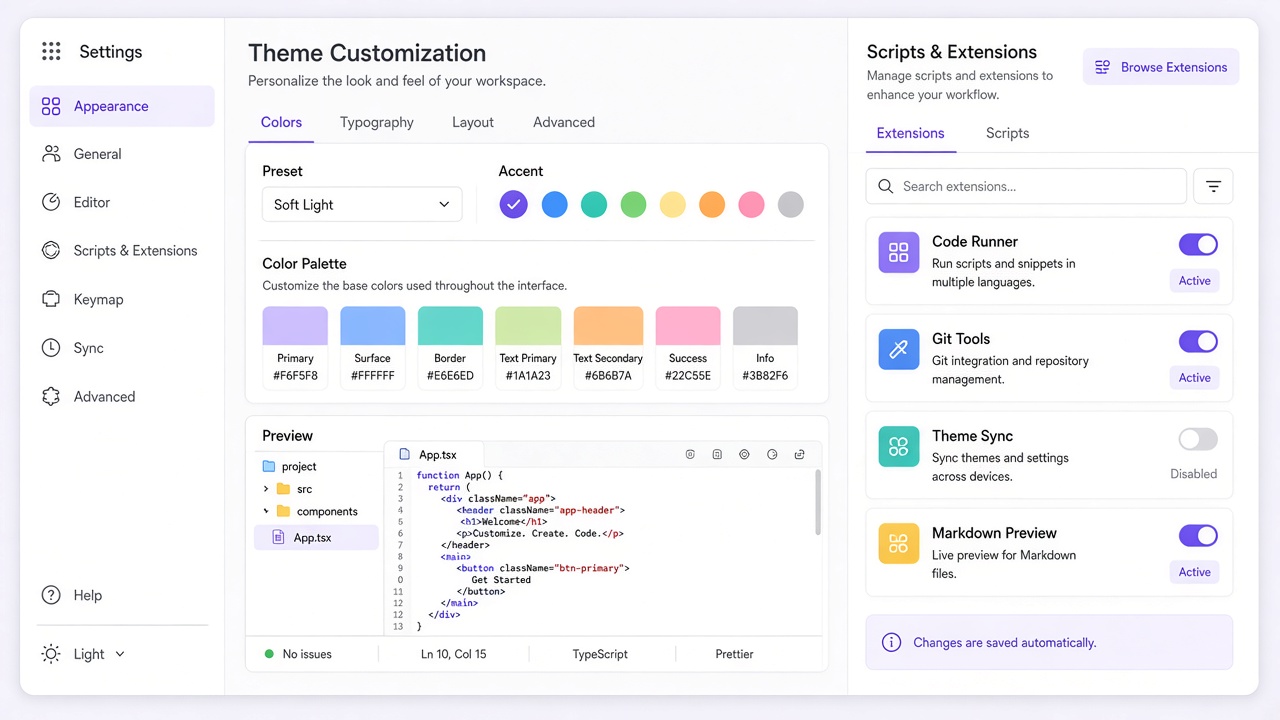
Extend generated Clash configurations, automate profile changes, customize the interface and back up settings without replacing the underlying Mihomo core.
Apply YAML-based configuration overrides and additions on top of generated profiles without editing the source subscription directly.
Use JavaScript to transform the generated configuration when static YAML overrides are not enough.
Adjust theme colors, proxy-group icons, tray icons and CSS injection for the desktop interface.
Back up Clash Verge configuration to a WebDAV server and restore it after a reinstall or device change.
Switch between stable and Alpha Mihomo channels when testing newer core behavior is necessary.
Source code, issues, discussions and pull requests are public on GitHub under the GPL-3.0 project license.
Clash Verge combines a desktop GUI with Mihomo, while command-line setups and other Clash-compatible clients expose different levels of interface, automation and platform integration.
| Capability | Clash Verge | Mihomo / CLI | Other GUI clients |
|---|---|---|---|
| Graphical interface | Yes · Tauri desktop app | No built-in GUI | Yes |
| Mihomo core | Bundled · Alpha switchable | Install yourself | Depends on the project |
| System proxy / TUN | Supported | Manual setup required | Varies by client |
| Subscription & rule editing | Visual + enhancement | Edit config files | Varies by client |
| WebDAV sync | Supported | Usually none | Varies by client |
| Themes / script extensions | Themes + Script/CSS | No interface layer | Varies by project |
| Cross-platform | Win / macOS / Linux | Depends on distribution | Varies by project |
| License | GPL-3.0 | Depends on the core project | Depends on the project |
Note: capabilities vary across Clash-compatible clients and Mihomo deployments. Check each project's current documentation before comparing specific features.
Common questions about Clash Verge, Mihomo, profiles, proxy servers, system proxy, TUN and desktop platform support.
Clash Verge is a cross-platform desktop GUI for Mihomo (formerly Clash.Meta). It manages Clash profiles, proxy groups, routing rules, system proxy and TUN on Windows, macOS and Linux. Project releases are published through GitHub Releases.
No. Clash Verge is the client software; proxy servers, subscription URLs and network service plans come from separate providers or your own infrastructure.
System proxy works through the operating system proxy settings and only affects applications that honor them. TUN uses a virtual network adapter to route a broader set of application traffic through Mihomo.
Mihomo is the proxy core that handles DNS, routing rules, proxy groups and traffic forwarding. Clash Verge is the desktop interface that manages that core and integrates it with the operating system.
The project privacy policy states that Clash Verge Rev does not collect telemetry, analytics, crash reports or usage data, and that configuration, credentials and logs are stored on the local device.
Clash Verge provides desktop builds for Windows, macOS and Linux. Available package formats and CPU architectures depend on the current release; platform-specific problems can be searched in GitHub Issues.
Clash Verge Rev is developed in public on GitHub under GPL-3.0. Source code, issues, discussions, pull requests and releases make the desktop client, Mihomo integration and ongoing changes visible to users and contributors.
Download Clash Verge